Catfish
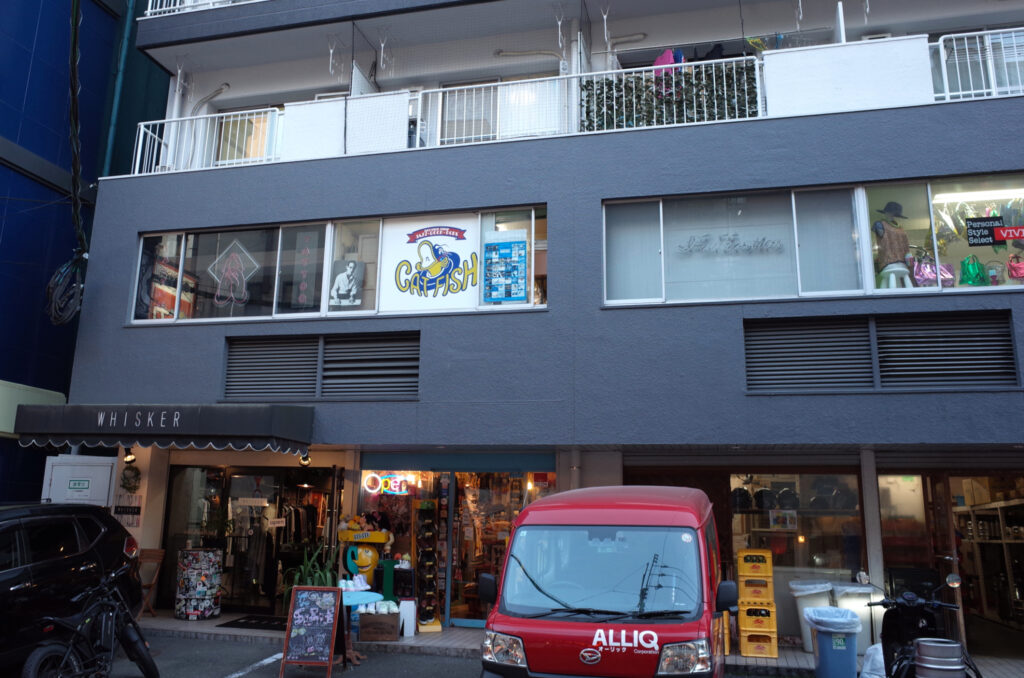
去福岡前,在網路上看到介紹,應該是以爵士為主的唱片行。
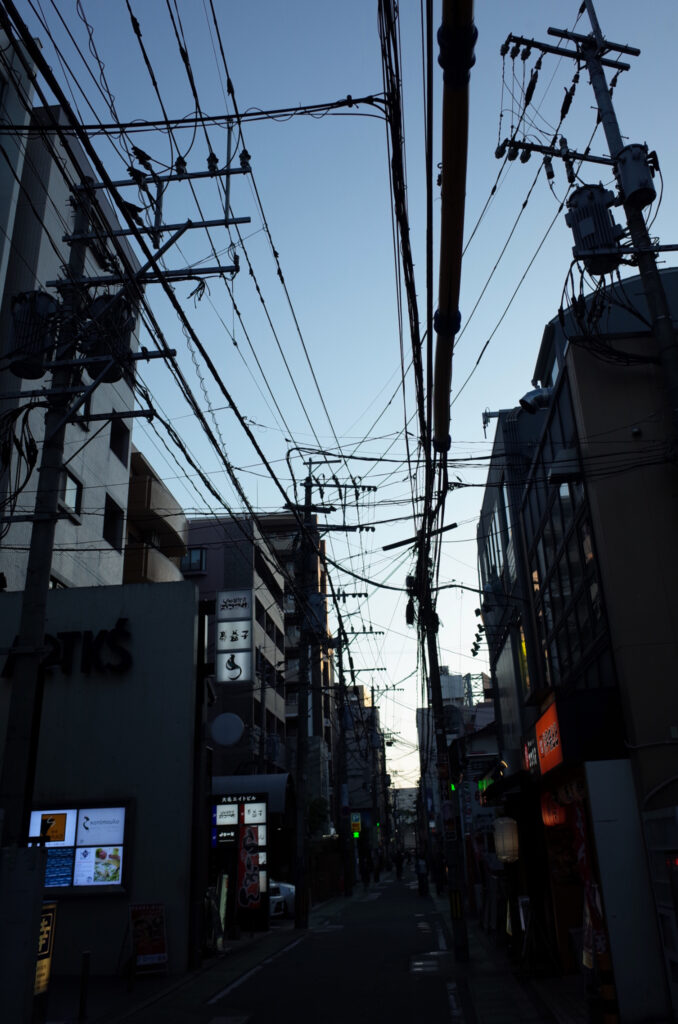
一開始還找不到入口,要從大樓旁邊的樓梯進去。
去的當天是老闆奶奶在顧店,店內空間不大。
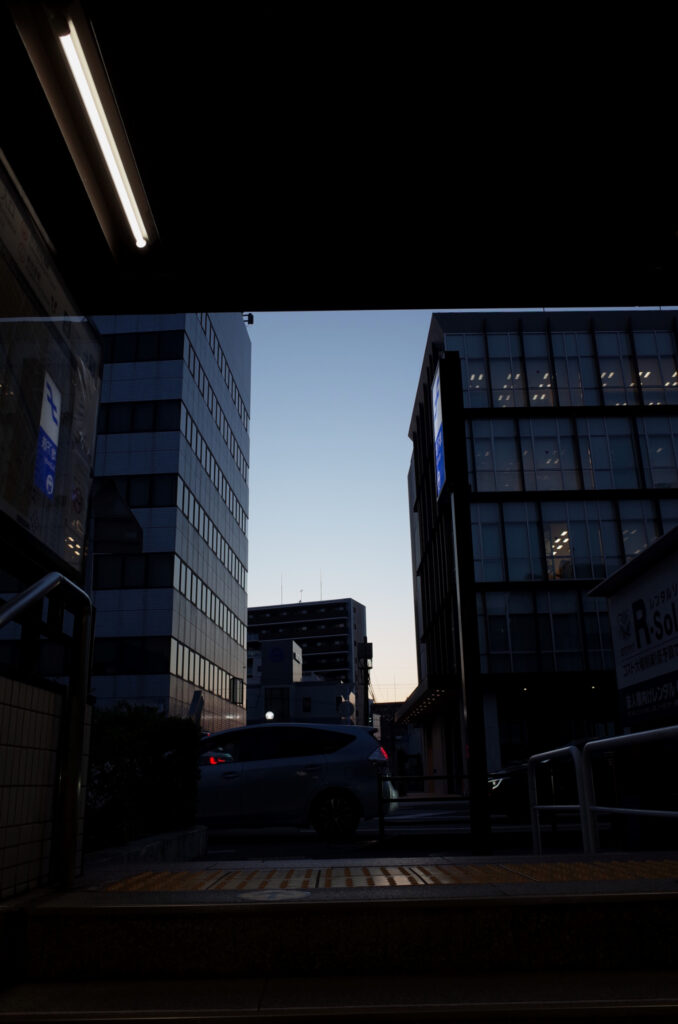
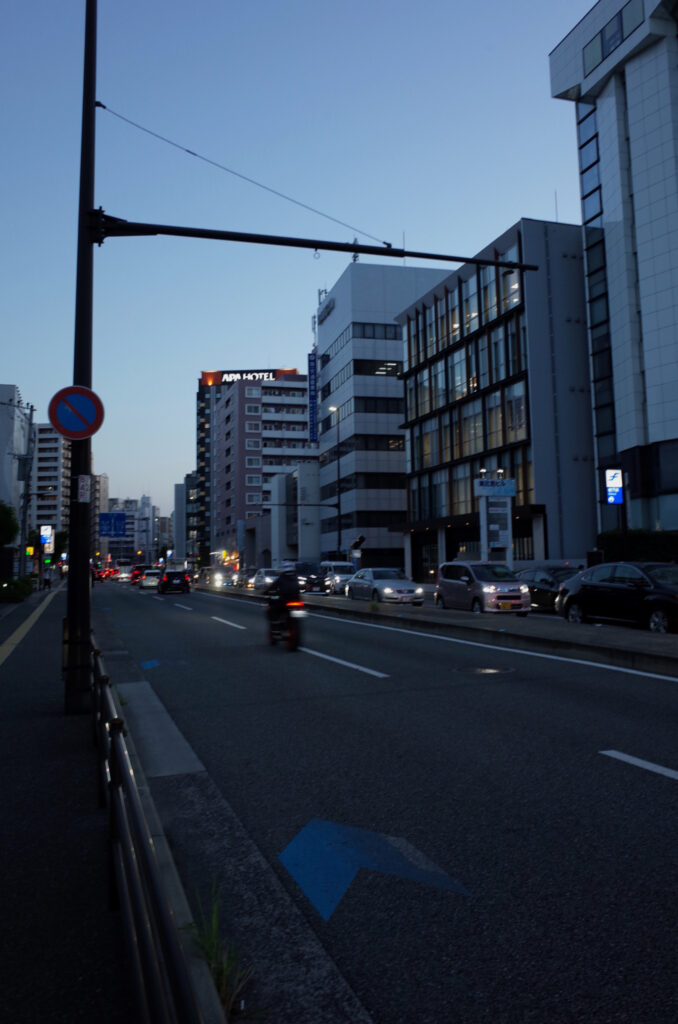
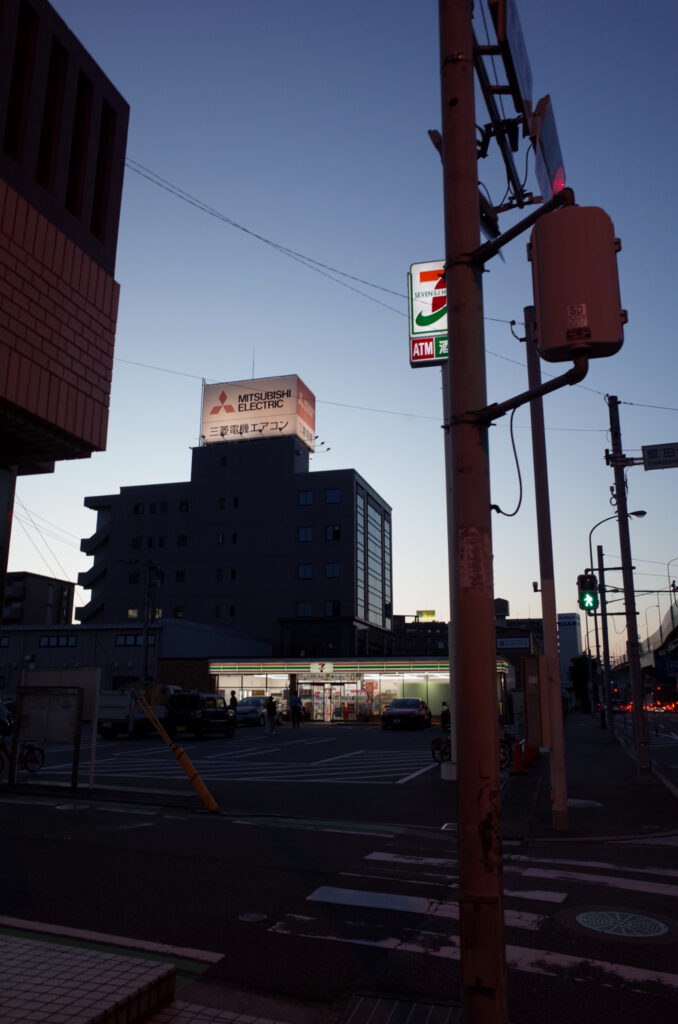
離地鐡赤坂駅有點距離,要走一段路。
更改原本設定檔的檔名
cd /etc/chrony/sources.d

sudo mv ubuntu-ntp-pools.sources ubuntu-ntp-pools.sources.BAK
新增一個 .sources 檔,比如:my.sources,內容如下:
server time.stdtime.gov.tw iburst
server tick.stdtime.gov.tw iburst
server tock.stdtime.gov.tw iburst
server watch.stdtime.gov.tw iburst
server clock.stdtime.gov.tw iburst
存檔後,重新啟動服務
sudo systemctl restart chrony